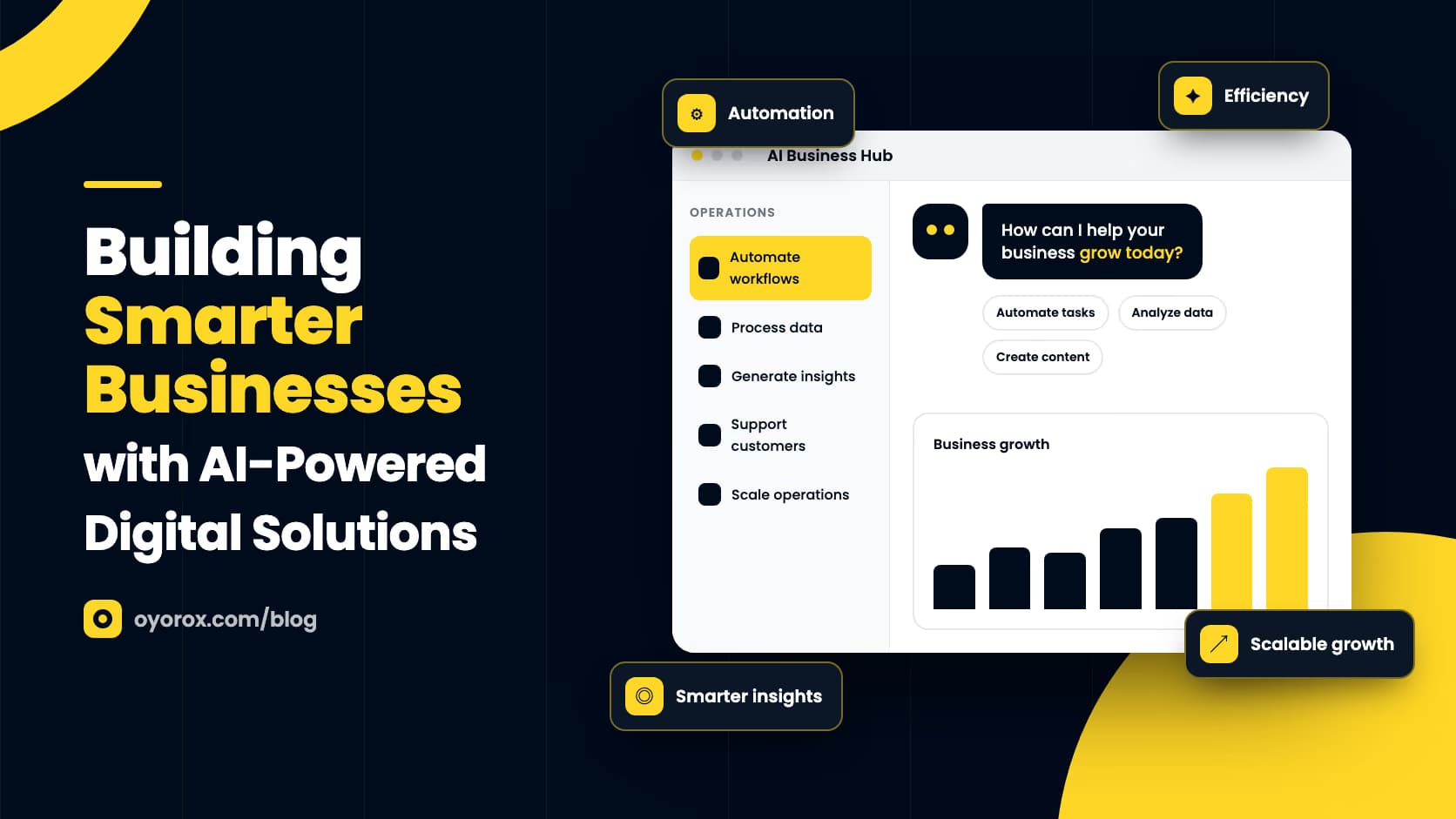
Explore how AI-powered systems can streamline operations, improve decision-making, and drive digital business growth.
Most businesses don’t lack data or tools. They lack the time to connect them. Leads arrive in one inbox, orders live in another system, support questions pile up in a third, and the people who should be making decisions spend their days moving information from one place to another. AI-powered digital solutions close that gap by taking over repetitive work, surfacing patterns in the data you already collect, and helping teams act faster and with more confidence.
Still, “adding AI” is not a strategy on its own. The businesses that get lasting value from it start with a clear problem, choose the right level of automation, and build systems that people actually trust and use. This guide looks at where AI fits, how to approach it practically, and what to watch for as you scale.
Where AI Creates Real Value
AI is most useful where work is frequent, rule-heavy, or rich in data. If a task happens hundreds of times a month and follows a recognizable pattern, it is a strong candidate. Typical areas include:
- Customer support: answering common questions, routing tickets to the right person, and drafting replies for agents to review.
- Sales and marketing: scoring leads, personalizing email content, and turning call notes into structured CRM updates.
- Operations: extracting data from invoices, forms, and documents, then checking it against existing records.
- Content and SEO: drafting outlines, generating first-pass product descriptions, and finding gaps in existing content.
- Analytics: spotting trends, anomalies, and early churn signals that would take a person hours to find manually.
The common thread is leverage. AI doesn’t replace the judgment of your team; it removes the low-value steps that sit between them and that judgment.
Streamlining Operations with Intelligent Automation
Start with the Workflow, Not the Tool
Before choosing a model or platform, map the process you want to improve. Who starts it, what information moves through it, where it slows down, and where mistakes happen? Many teams discover that half the friction comes from unclear handoffs rather than from the work itself. Fixing the process first means the automation you add on top is simpler, cheaper, and easier to maintain.
Keep Humans in the Loop
The most reliable AI systems combine automation with review. Let AI classify, summarize, and draft, then route anything uncertain or high-stakes to a person. Over time, as you see where the system is consistently right, you can widen what it handles on its own. This approach protects customer experience and builds internal confidence in the tools.
Making Better Decisions with Data
Most companies already collect more data than they use. Website analytics, sales records, support conversations, and product usage logs all hold signals about what customers want and where the business is losing momentum. AI makes that information easier to work with by summarizing large volumes of text, grouping similar feedback, and highlighting changes that deserve attention.
The key is to connect these insights to specific decisions. A weekly summary of recurring support issues is only useful if someone owns the product backlog it feeds. A churn-risk score only matters if there is a defined action when it rises. Treat AI-generated insights as inputs to existing decision-making routines, not as reports that sit unread in a dashboard.
Driving Digital Growth with Smarter Experiences
AI also changes what customers experience. Smarter on-site search helps shoppers find products even when they don’t know the exact name. Recommendation logic can surface relevant add-ons in a WooCommerce store. Conversational assistants can answer pre-sales questions at any hour and hand off to a human when needed. Personalized emails based on browsing and purchase behavior tend to feel more relevant than generic broadcasts.
For businesses running on WordPress, this rarely means rebuilding from scratch. It usually means connecting AI services to the site, store, and CRM you already have, which is the kind of integration work Oyorox’s agency team handles alongside its own plugins and SaaS products.
A Practical Roadmap for Getting Started
- Audit your workflows and list the tasks that are repetitive, slow, or error-prone.
- Pick one use case with clear impact and low risk, such as ticket triage or document data extraction.
- Clean up the data that use case depends on; inconsistent inputs produce inconsistent results.
- Define success in measurable terms, like response time, hours saved, or error rate.
- Run a time-boxed pilot with real users, gather feedback, and adjust prompts, rules, and handoffs.
- Scale what works, document it, and only then move on to the next use case.
Pitfalls to Avoid
Watch for a few common mistakes: automating a broken process, sending sensitive customer data to tools without reviewing their privacy terms, skipping human review on outputs customers will see, and launching several AI initiatives at once without the capacity to support them. Each of these erodes trust faster than any efficiency gain can rebuild it.
The best AI projects don’t start with AI. They start with a clear, costly problem and a workflow that’s ready to be improved.
Final Thoughts
AI-powered solutions can make a business faster, leaner, and more responsive, but only when they are applied with focus. Start small, measure honestly, keep people involved where it matters, and expand step by step. Done this way, AI becomes less of an experiment and more of a dependable part of how your business operates and grows.